
Download SetEdit SettingsDatabaseEditor APK – Code-level app setting editor, Android utility, free source editor, mobile settings tweak
Overview
SetEdit SettingsDatabaseEditor is a specialized desktop and mobile application designed for advanced users seeking granular control over app configurations. Developed by 4A, the tool enables users to edit settings files at the code level, providing access to hidden parameters within Android applications. These settings are typically not exposed through standard user interfaces and are intended for developers or power users familiar with app behavior and configuration structures.
The software serves as a code-level editor that allows users to modify per-app functionality by editing underlying configuration files. This includes enabling or disabling features that are otherwise locked or unavailable. It functions similarly to a text editor but is tailored specifically for Android settings databases, making it a unique utility for those who want to customize their app experience beyond default limits.
Real-world usage scenarios include debugging app behavior, unlocking developer-only features, or adjusting performance parameters. However, due to the sensitive nature of the edits, the tool is not recommended for casual users. Incorrect changes may lead to app instability, crashes, or even complete failure of the application. The developer emphasizes caution, noting that misuse can result in bricking an app or device.
SetEdit SettingsDatabaseEditor is available as a free APK, requiring root access on Android devices. It is not intended for general audiences but rather for users with technical knowledge of Android system files and app configuration structures.
Key Features & Capabilities
- Code-level settings editing – Provides direct access to application configuration files, allowing users to view and modify low-level parameters that are not accessible via standard settings menus.
- Root access required – Designed for rooted Android devices, ensuring that users have the necessary permissions to access protected system directories and app databases.
- Advanced parameter manipulation – Enables changes to hidden or disabled features within apps, such as experimental modes, debug flags, or restricted functionalities.
- Text editor interface with syntax awareness – Offers a clean, functional interface similar to QuickEdit Text Editor, optimized for reading and editing structured text files like XML or JSON.
- Direct file navigation – Allows users to browse through app-specific data directories and locate configuration files without needing external tools.
These features are particularly useful for developers, modders, and advanced Android users who want to test changes, troubleshoot app issues, or customize app behavior. For example, a user might disable unnecessary background processes in a system app to improve battery life or enable a hidden feature in a third-party app for enhanced functionality. However, each edit should be approached with care, as even small syntax errors can cause app malfunctions.
User Interface, Workflow & Performance
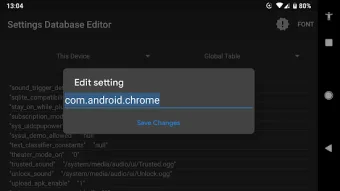
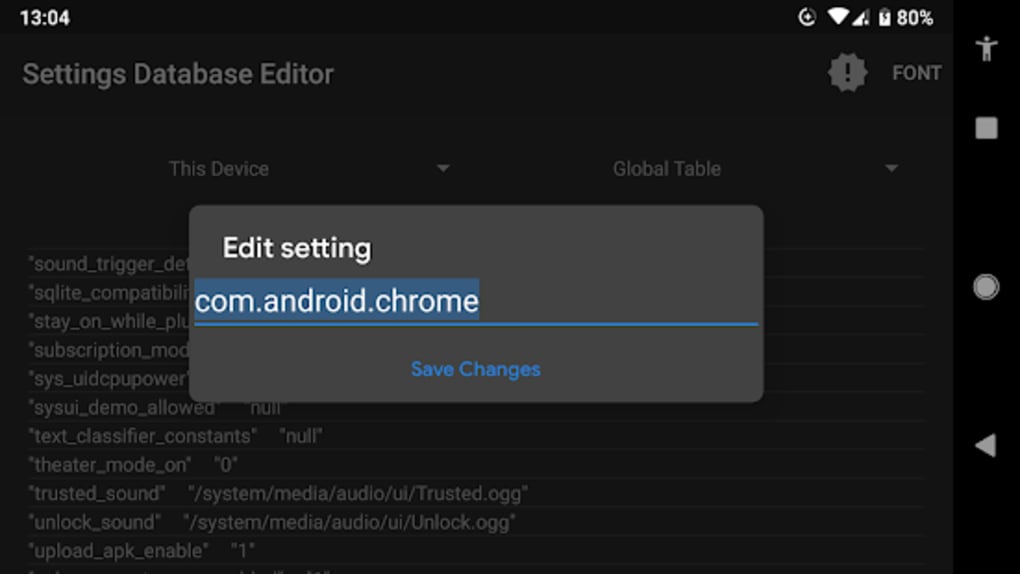
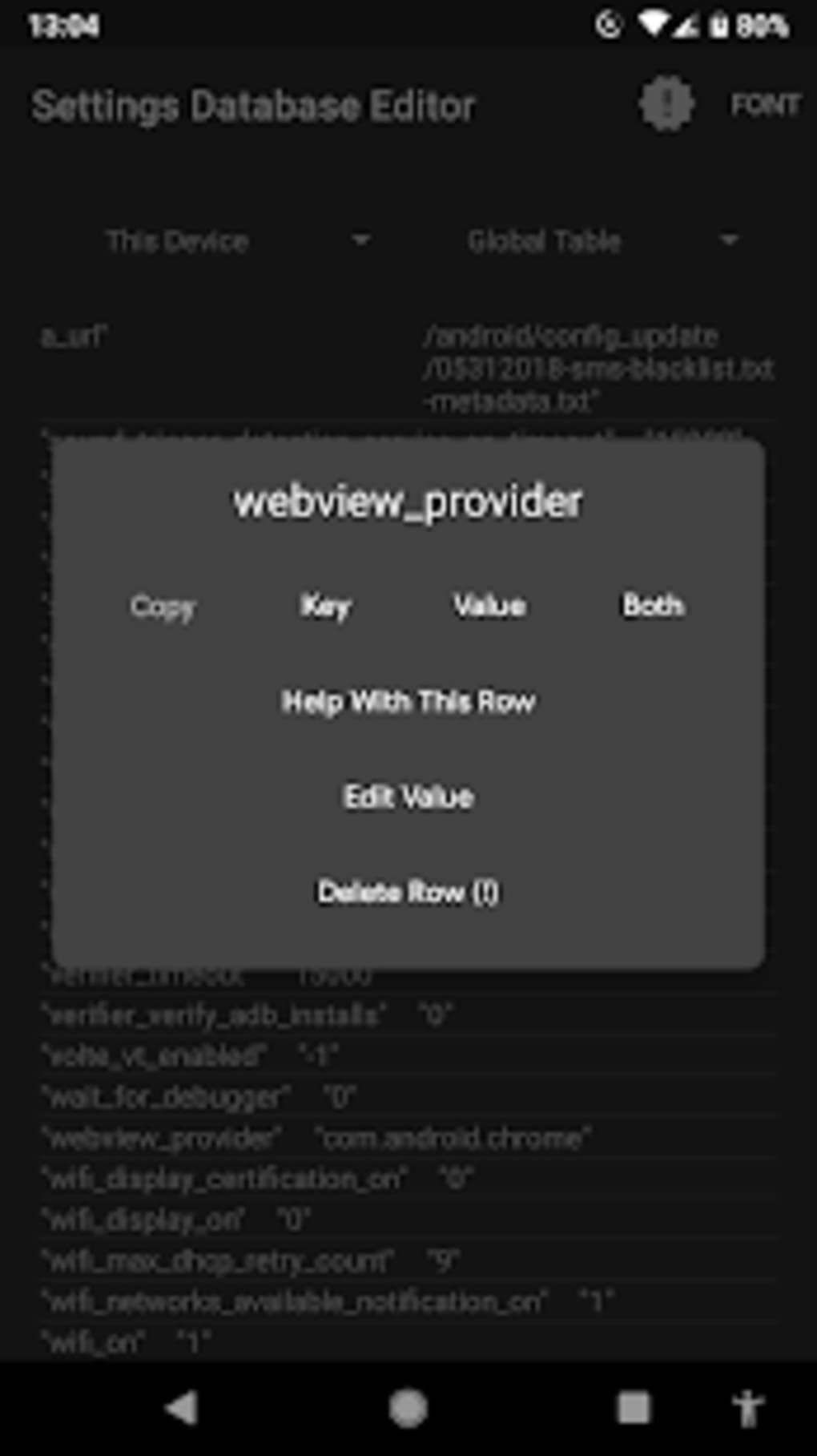
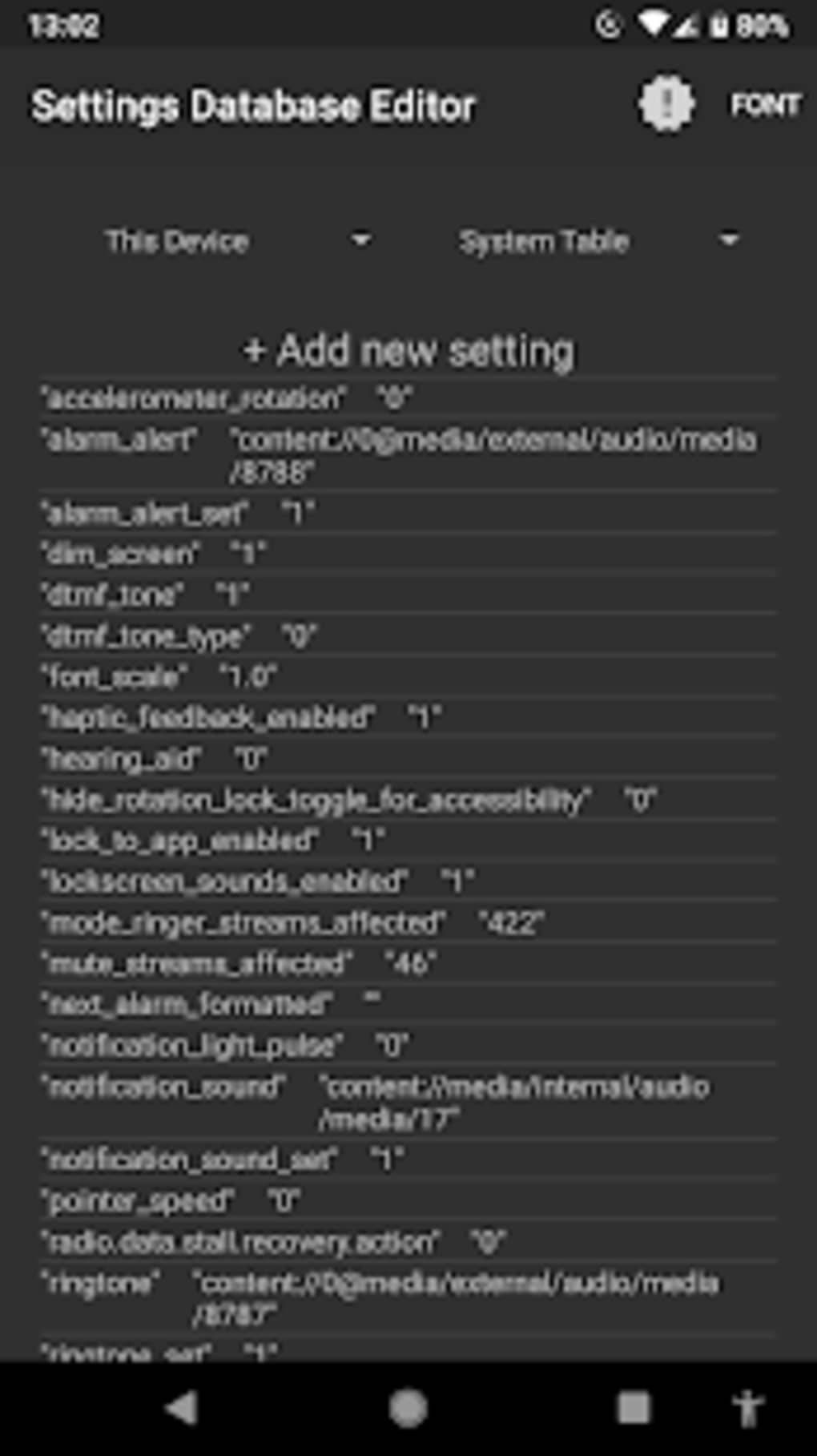
The user interface of SetEdit SettingsDatabaseEditor is minimalistic and focused on functionality, resembling a lightweight text editor. Navigation is straightforward, with a file browser that allows users to traverse the Android file system and locate specific app settings databases. The layout prioritizes readability and editing efficiency, with clear visual cues for file types and directories.
Workflow efficiency is high for experienced users, as the tool integrates directly with the Android environment and supports quick access to frequently edited files. However, the lack of built-in validation or undo functionality means that users must manually ensure the correctness of their edits. The developer did not specify resource usage details, so performance behavior remains general.
Stability depends heavily on the user’s input accuracy and the integrity of the original files. Since the tool operates at a system level, any error in editing may result in immediate app failure. The developer did not provide information on CPU or RAM usage, and performance observations are based on general software behavior patterns.
Compatibility & System Requirements
SetEdit SettingsDatabaseEditor is designed for Android devices and requires root access to function. The software is distributed as an APK file, making it installable on rooted Android smartphones and tablets. The exact system requirements were not listed, so compatibility is limited to devices that support root privileges and have access to the Android data partition.
Installation size is not specified, but as a lightweight utility, it likely occupies minimal storage space. Hardware requirements are not provided, and the developer did not indicate support for non-rooted devices or alternative platforms. Platform compatibility information is limited to Android with root access.
Pros and Cons
Pros
- Free to download and use with no subscription or in-app purchases
- Provides deep access to app configuration files not visible in standard interfaces
- Designed for advanced users who understand Android system architecture
- Simple, focused interface ideal for quick edits and file navigation
- Enables customization of app behavior beyond default settings
Cons
- Requires root access, limiting usability to advanced users only
- High risk of app instability or failure if used incorrectly
- No built-in backup or undo features for edited files
- Not suitable for beginners or casual users
- Limited documentation or user support provided
FAQ Section
Is SetEdit SettingsDatabaseEditor safe to use?
While the tool is functional, it carries inherent risks. Incorrect edits to app settings files can lead to app crashes or system instability. Use only if you understand the implications of modifying system-level configuration files.
Does this app require root access?
Yes, SetEdit SettingsDatabaseEditor requires root access on Android devices to read and write protected system and app data directories.
Can I use this tool on non-rooted Android devices?
No, the software is designed exclusively for rooted Android devices. It cannot access protected files on non-rooted systems.
Is there a desktop version available?
The available information does not confirm a desktop version. The software is distributed as an APK and is intended for Android devices.
How often is the app updated?
Update frequency is not specified. Users should check the developer’s official source for the latest version and security patches.
Final Thoughts + CTA
SetEdit SettingsDatabaseEditor is a powerful, niche tool tailored for advanced Android users and developers who need direct access to app configuration files. Its ability to modify hidden settings at the code level offers unique customization opportunities, but it comes with significant risks. The lack of safeguards, combined with the need for root access, makes it unsuitable for general audiences.
For those with technical expertise, this tool can be an invaluable asset for testing, debugging, or unlocking advanced app features. However, caution is paramount—always back up files before editing and proceed only if you understand the consequences.
Download SetEdit SettingsDatabaseEditor now





.png)

